Member matching involves:
- comparing the data you upload in your pension data file with data you’ve previously uploaded, and
- highlighting any inconsistencies or omissions in the new data.
We do this every time you upload a pension data file.
Periods of service
Some workers may have more than one period of service with the same workplace, or be employed by more than one workplace that uses now:pensions. For example, a worker may leave one workplace that uses now:pensions and immediately go to another workplace that uses now:pensions. Or, a worker that previously left comes back to work for the same workplace. Auto enrolment treats each new period of service separately.
Linking periods of service together
We try to make sure all a worker’s contributions go into the same now:pensions account, no matter how many different workplaces they’ve been employed by. Member matching helps us to link periods of service from different workplaces, or the same workplace, to a single now:pensions account.
When you upload a pension data file, we cross-reference the data in the new file with the existing data in our system. If data in the new pension data file matches worker data in our system – that is, all the key fields are the same – the row for that worker will be accepted.
Matching queries
If the system finds some of a worker’s data doesn’t match data we already hold, we’ll raise a matching query during the upload process. You’ll need to confirm the reason why there’s a mismatch in the data.
A matching query could be generated by a change in any of the following fields for an existing worker.
- First name
- Surname
- Date of birth
- National Insurance number (NINO)
- Start date
- Payroll number
- Pay code
It’s unlikely we’d raise a matching query if only a single name had changed – we’d just update the name on the system. But if, for example, first name, last name and date of birth had changed, we would raise a matching query.
How do you resolve matching queries?
Once a pension data file successfully passes the Validate step of the file upload process, you’ll see any matching queries that need to be resolved.
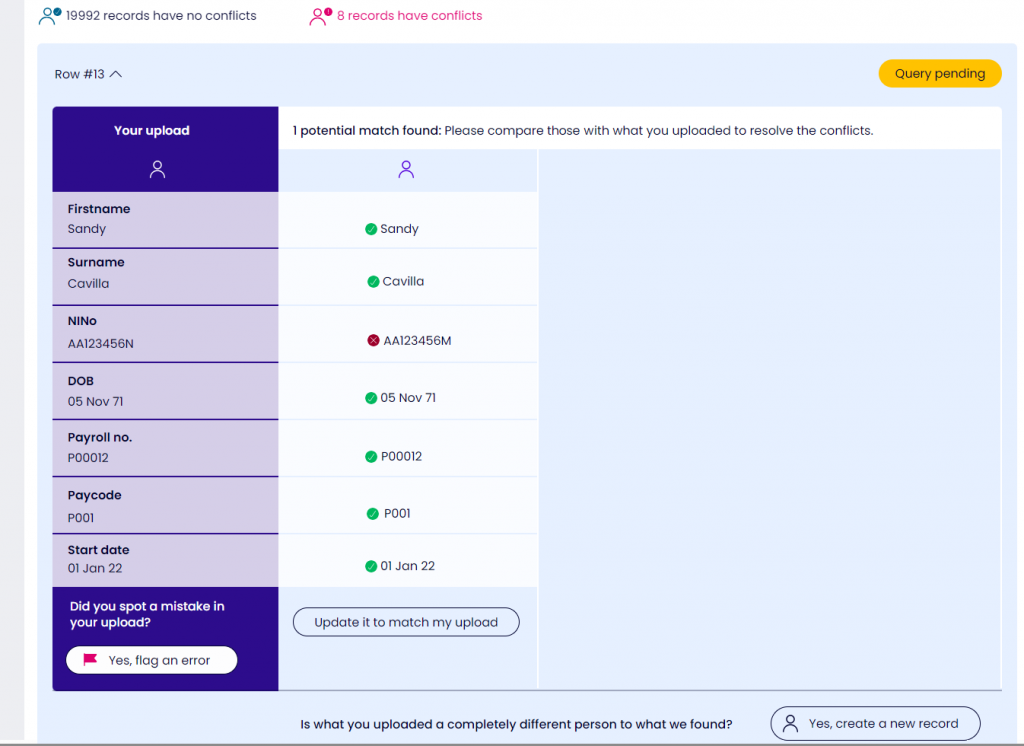
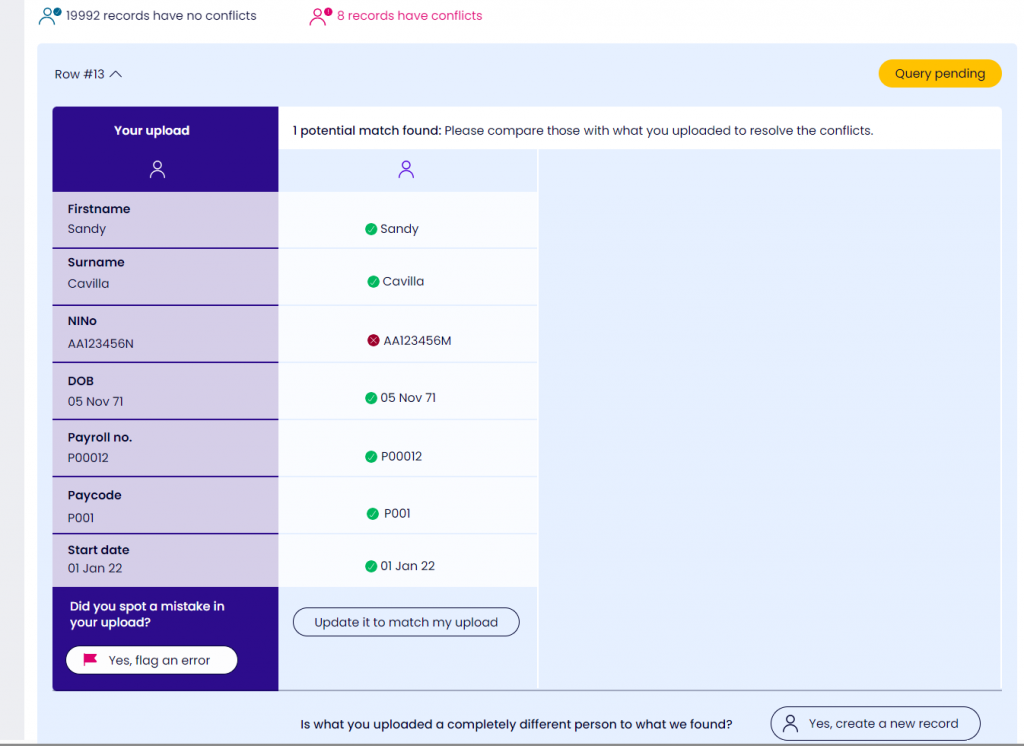
Sometimes the row in your pension data file will match a single worker in our system. You’ll need to confirm why a key data field is different. In the example below, a row in the pension data file matches all key fields for an existing worker except NINO.
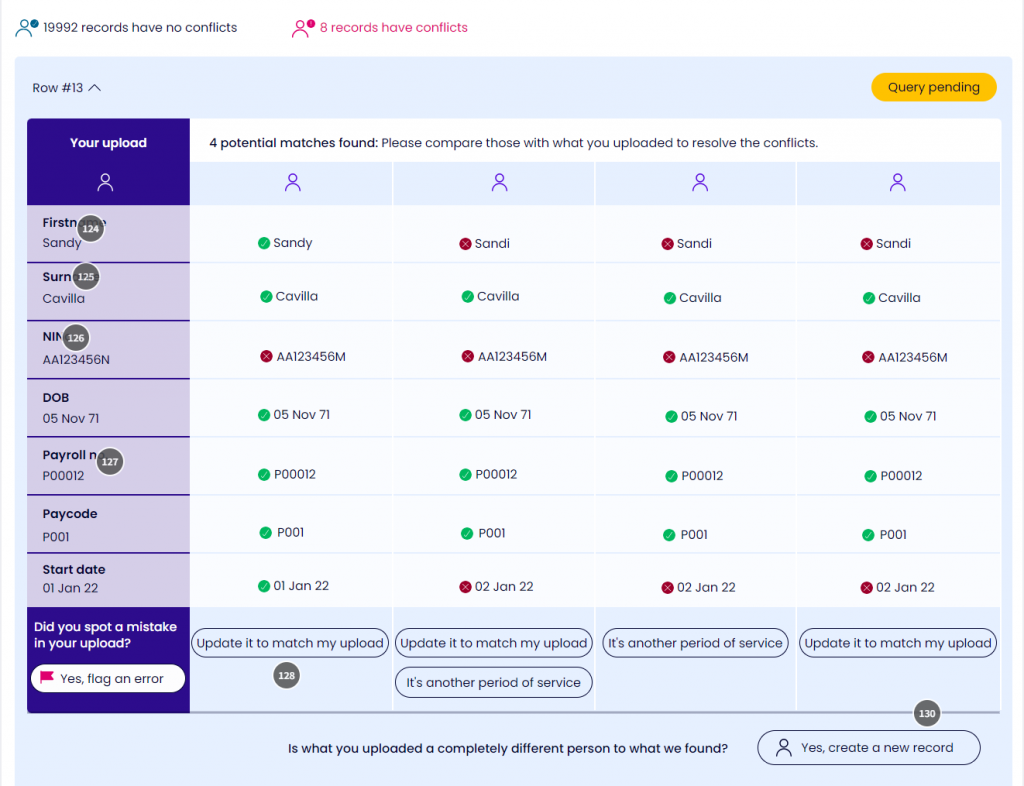
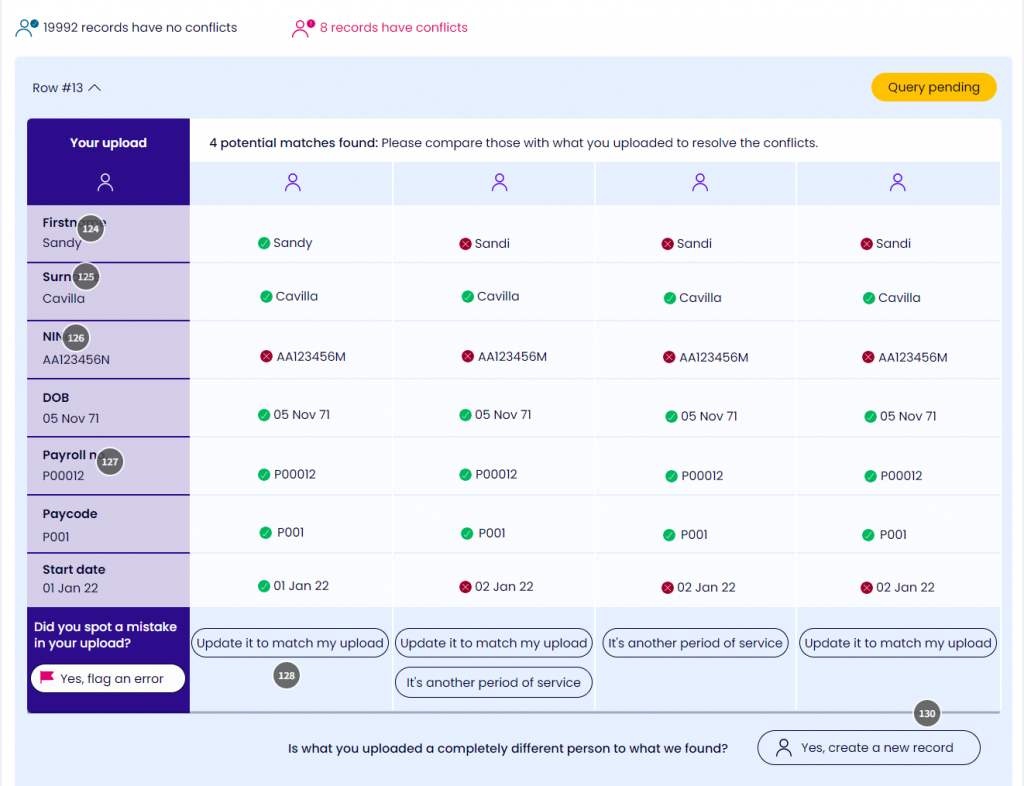
Sometimes the row in your pension data file will match more than one worker in our system. In the example below, a row in the uploaded file has four potential worker matches.
You must resolve all your matching queries before you can carry on uploading your file. There are several ways to do this, depending on which data fields in the system are different from the fields in your pension data file. The table below explains the resolutions you can have, why they’re displayed, and what happens if you resolve the matching query in this way.
| Resolution | When the option is available | When you should choose this option | Outcome |
| Spotted a mistake in your upload? Yes, flag an error | Always available | Incorrect worker data has been uploaded in the pension data file and you want to correct it. For example, the NINO in the pension data file is incorrect. | Once you have flagged any errors, you can edit any of the following fields to see if this resolves the error: first name, surname, date of birth, NINO, employment start date and payroll number. Save your change and the system will try matching again to make sure the problem has been solved. |
| Update this record to match my upload | A change has been identified in one of the key fields – for example surname, NINO or date of birth. | You’ve confirmed the data in the pension data file is correct. You believe we should update the field in the system to match your new upload. | The system will process the pension data file and update the worker’s record to match the file. |
| Mark as another period of service | There is a change to the payroll number, start date, or both. This is usually because a worker has returned to a previous workplace under a new period of service. It’s possible your workers may have more than one job at the same time. You must assess all periods of service to comply with pension legislation. | The worker was previously employed at the workplace and has returned to work again. This should be treated as a new period of service. You can create multiple periods of service for the same worker. | A new period of service will be created under the worker’s main record in the system. We’ll issue statutory communications (such as assessment or enrolment notices) to the worker, if we manage these for you. |
| I confirm this is an incorrect match and I want to create a new worker record | There are partial matches on several of the key data fields, but the NINOs do not match. | The worker in the pension data file is not the same person as any of the partially-matched records in the system. The records should not be linked. | The worker in the pension data file will be treated as a new worker and the system will create a new worker record for them. It will be filled in with the data from the pension data file. We’ll issue statutory communications (such as assessment or enrolment notices) to the worker, if we manage these for you. |